Rust gameplay plugins
Gameplay plugins change how Rust plays on your server: gather and craft rates, stack sizes, vehicles, recyclers and quality-of-life tweaks that set your server apart.
- Tune the pace of a wipe
- Quality-of-life features players expect
- Every option in a JSON config
2 plugins
Installing gameplay plugins
Drop the plugin's .cs file into oxide/plugins and Oxide loads it within seconds. Then grant its permissions to your players or groups.
Or let them install themselves
Link your server to Oxide Sync once. Every plugin you own installs automatically and stays up to date, even after wipe-day updates.
How Oxide Sync works →Frequently asked questions
What are the best rust gameplay plugins?
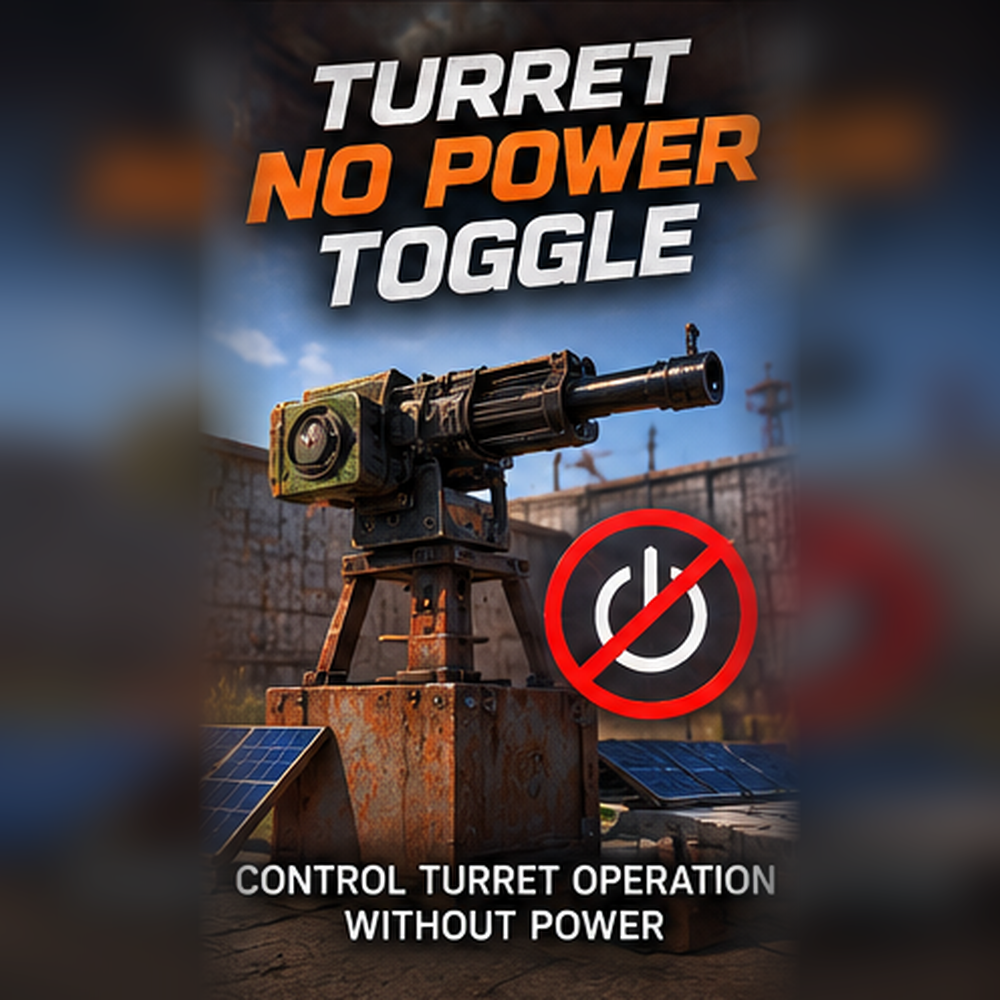
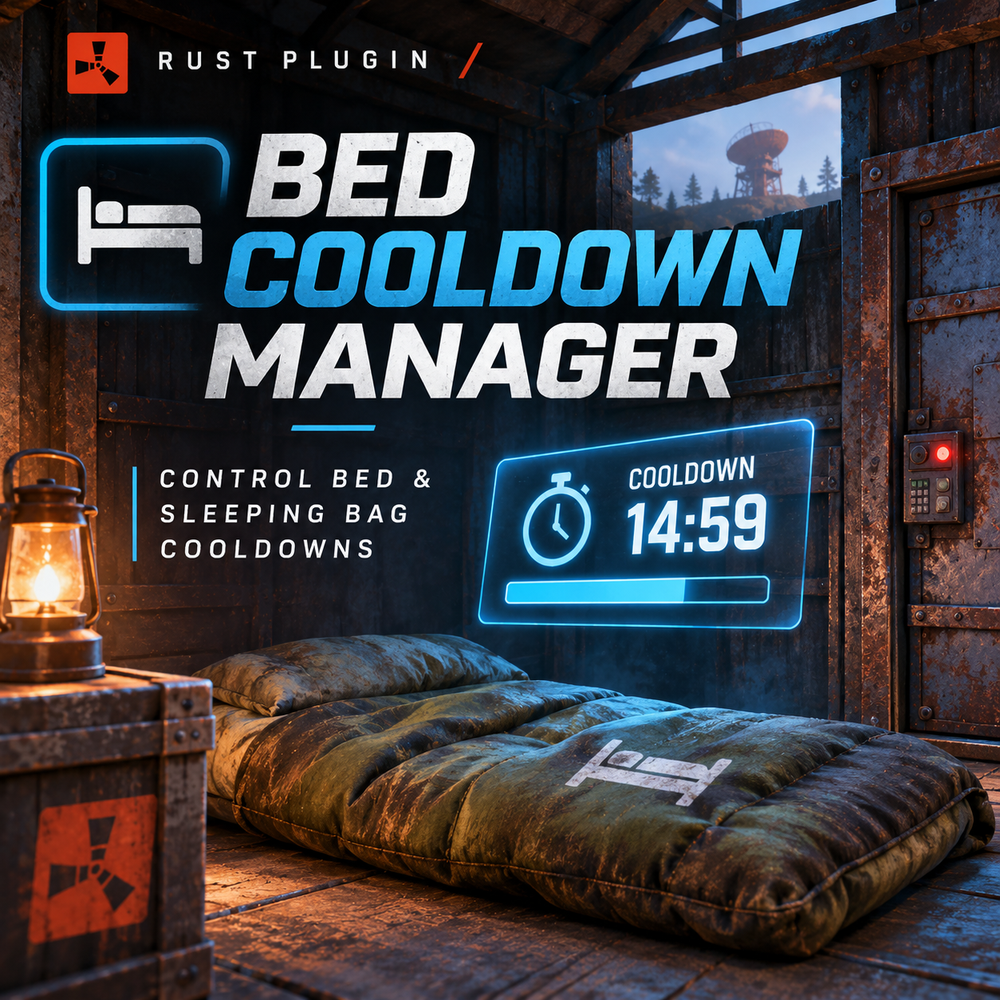
Popular picks here include Turret No Power Toggle ($10), Bed Cooldown Manager ($5). Each plugin page lists its commands, permissions and dependencies so you can compare them.
Are there free gameplay plugins?
Not in this category right now. Browse all free Rust plugins at /rust-plugins/free.
How do I install gameplay plugins?
Upload the .cs file to oxide/plugins on your server and Oxide loads it automatically. Or link your server to Oxide Sync once and plugins install and update themselves.
Do these plugins work on Carbon?
They are written for Oxide (uMod). Each plugin page lists the frameworks it has been tested on under “Works on”.