Rust admin plugins
Admin plugins give you the tools to run a Rust server without living in the console: moderation, player lookups, vanish, inspections and logging. They work through Oxide permissions, so you decide exactly which staff get which tools.
- Moderate and investigate faster
- Grant tools per staff group with Oxide permissions
- Keep a record of what happened and who did it
1 plugin
Installing admin plugins
Drop the plugin's .cs file into oxide/plugins and Oxide loads it within seconds. Then grant its permissions to your players or groups.
Or let them install themselves
Link your server to Oxide Sync once. Every plugin you own installs automatically and stays up to date, even after wipe-day updates.
How Oxide Sync works →Frequently asked questions
What are the best rust admin plugins?
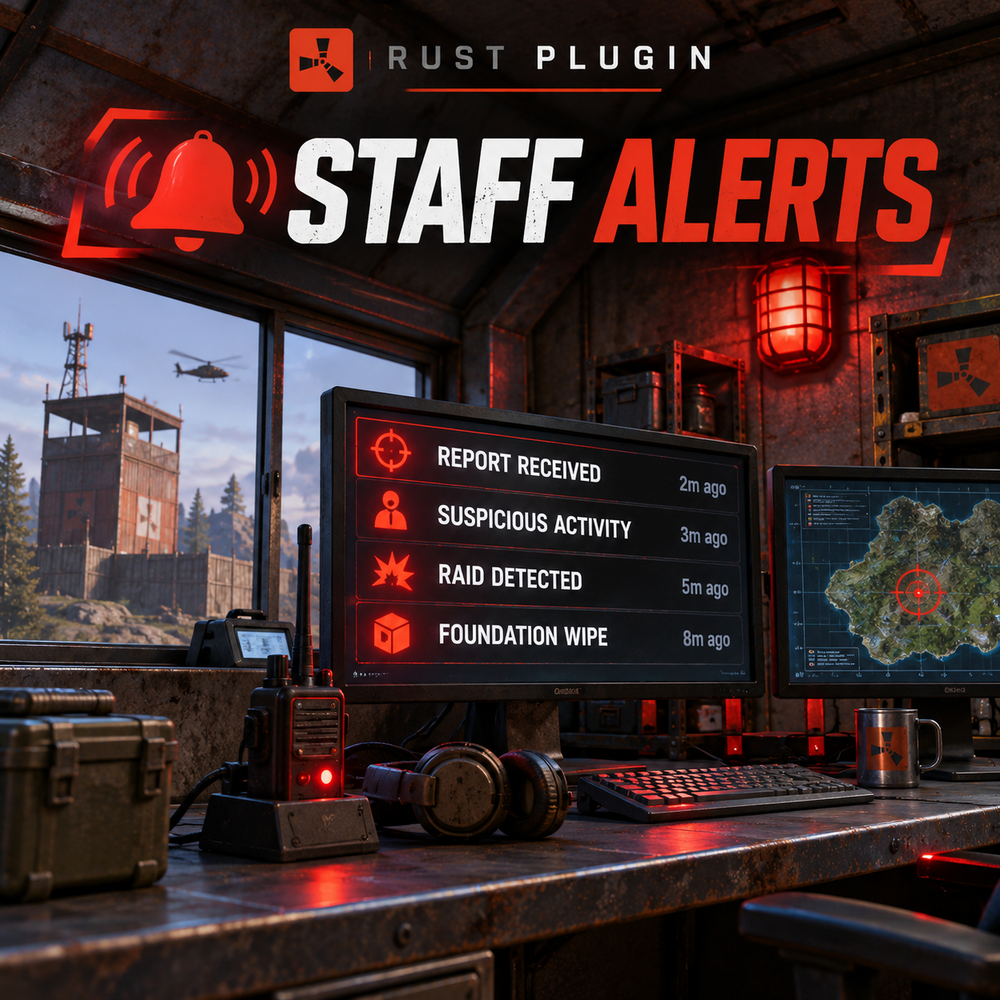
Popular picks here include Staff Alerts ($5). Each plugin page lists its commands, permissions and dependencies so you can compare them.
Are there free admin plugins?
Not in this category right now. Browse all free Rust plugins at /rust-plugins/free.
How do I install admin plugins?
Upload the .cs file to oxide/plugins on your server and Oxide loads it automatically. Or link your server to Oxide Sync once and plugins install and update themselves.
Do these plugins work on Carbon?
They are written for Oxide (uMod). Each plugin page lists the frameworks it has been tested on under “Works on”.